threejs-props: The small things that make a street lived in.
threejs-props is in development, but usable today: decorateRoads() lines a road network with street lights, signs, mailboxes, power poles and fences, and Props draws them all as instanced meshes. Every prop is seeded, so each one looks different but rebuilds the same.
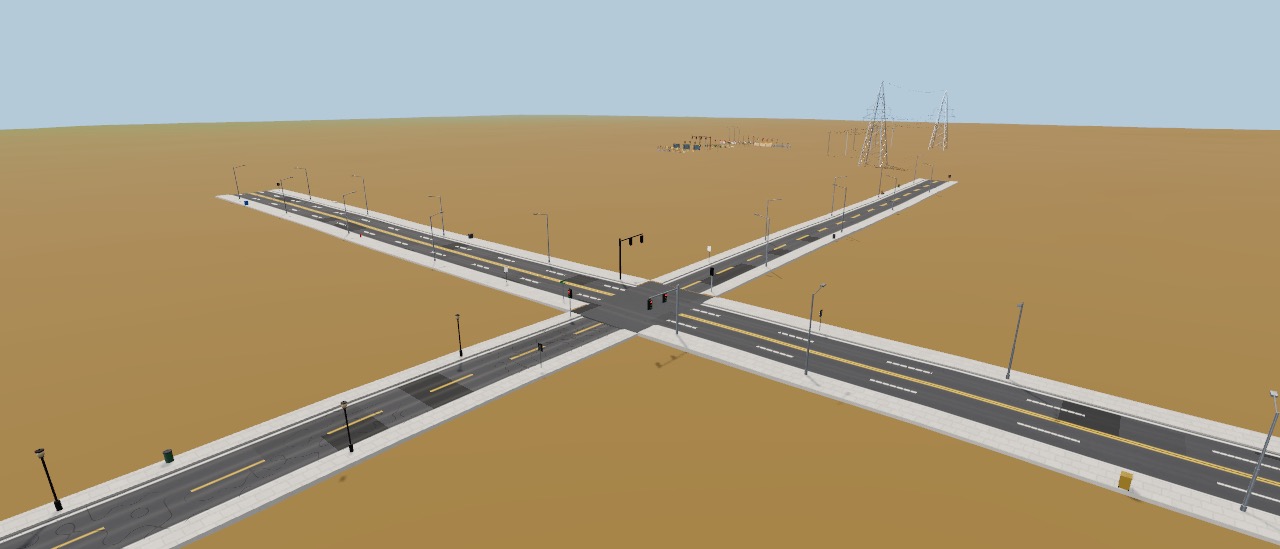
Decorate a road in one call.
Hand decorateRoads() a road network (threejs-city's city.graph, or plain nodes and edges) and a world, and it returns plain JSON placements. Props turns them into instanced meshes. The API is still settling before the first release, so names may change.
import { Props, RoadPath, decorateRoads, planPowerLine } from 'threejs-props'
import { World } from 'threejs-biomes'

const world = new World({ seed: 7 })
const placements = [
  ...decorateRoads(roads, world, { seed: 7, mailboxes: { style: 'eu' } }),
  ...planPowerLine([[-500, 300], [550, 420]], world, { spacing: 260 }),
]
const props = await Props.create({ scene, placements })

new RoadPath({ scene, height: world.height, points: [[0, 0], [80, 30], [200, 20]],
  width: 5, surface: { surface: 'gravel' } })

props.set({ night: 1, states: { wetness: 0.7 } }) // lamps on, everything wet
props.states.set(3, { damage: 1 }) // prop 3 leans overimport { useMemo } from 'react'
import { Props, RoadPath, decorateRoads } from 'threejs-props/react'
function Street({ roads, world, night, rain }) {
const placements = useMemo(() => decorateRoads(roads, world, { seed: 7 }), [roads, world])
return (
<>
<Props placements={placements} night={night} states={{ wetness: rain }} />
<RoadPath points={[[0, 0], [60, 20], [140, 10]]} height={world.height} width={4}
surface={{ surface: 'dirt', states: { wetness: rain } }} />
</>
)
}What is working now.
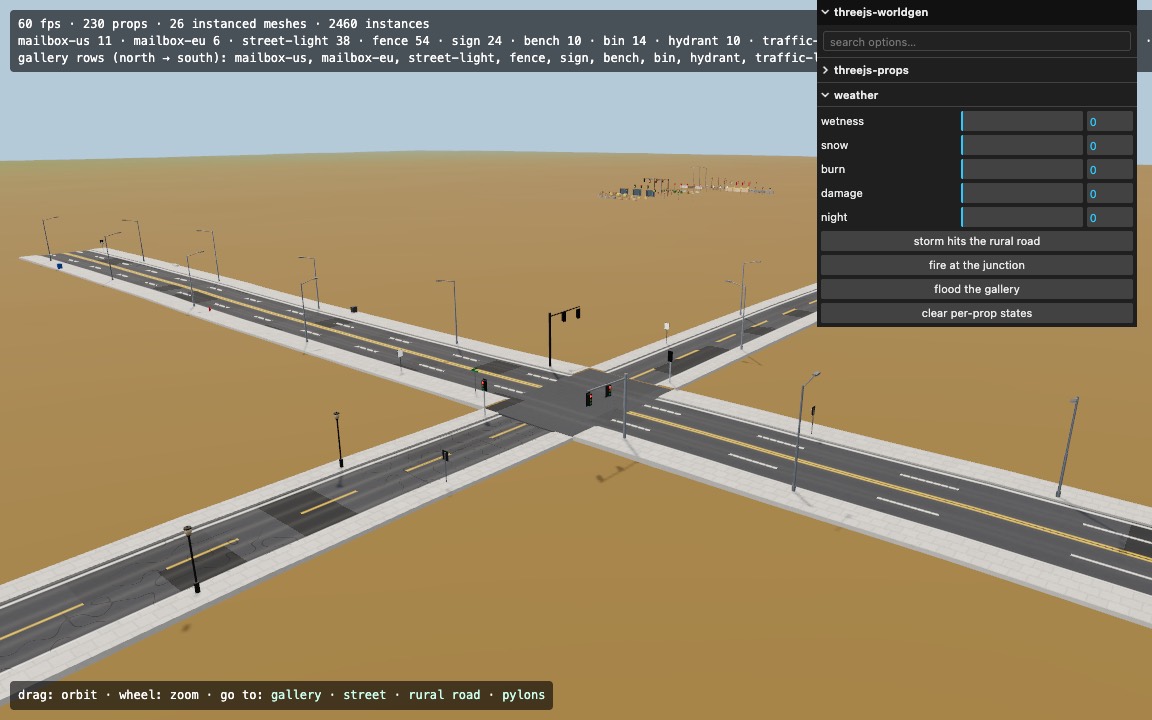
Every row without a "planned" tag is in the package and in the demo: a town junction, a gravel road with a power line, pylons across the fields and a gallery of every prop. Planned rows are on the roadmap.
Fourteen prop kinds
From mailboxes to transmission pylons.
Thirty-two styles in all: US and EU mailboxes, wood or concrete poles, cobra-head or post street lights, picket, rail, adobe and stone fences, five road signs and more. Each column in the gallery is a new seed: size, colour and detail change, and the same seed always rebuilds the same prop.
- Mailbox (US)
- Mailbox (EU)
- Power pole
- Transmission pylon
- Street light
- Fence
- Road sign
- Bench
- Bin
- Fire hydrant
- Traffic light
- Bus stop
- Hay bale
- Well
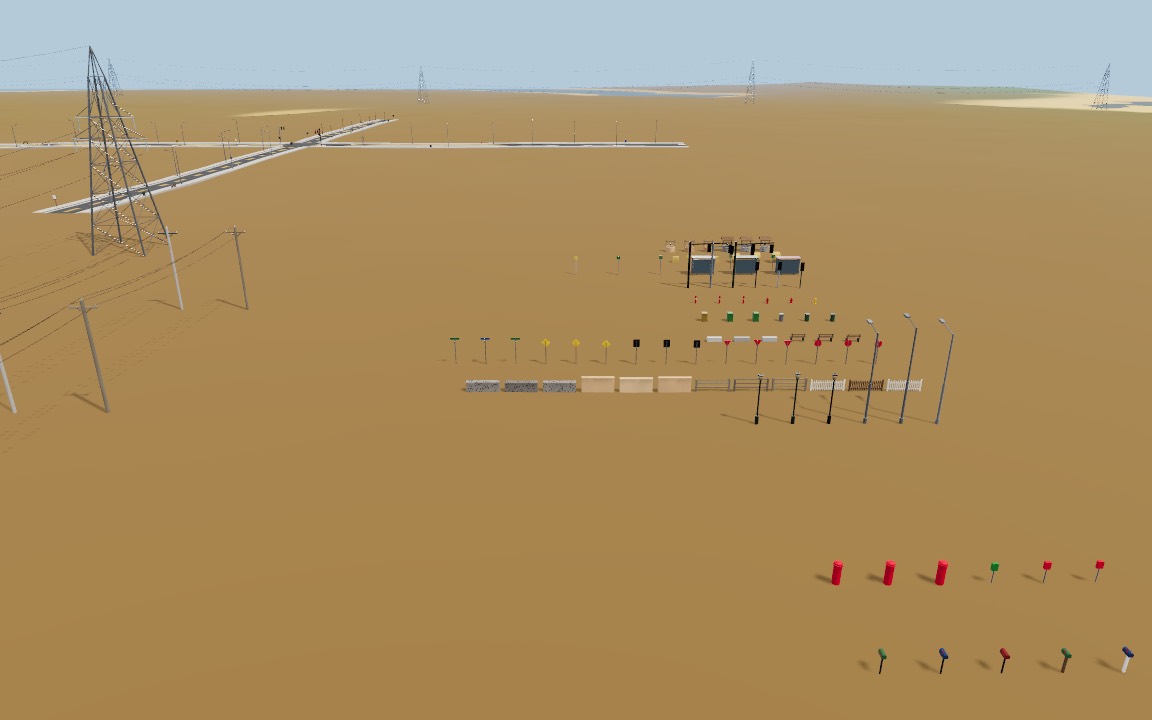
Streets that furnish themselves
Lights, hydrants, signals and signs.
decorateRoads() spaces street lights, hydrants, bins, benches and bus stops along urban sidewalks, puts traffic lights, stop signs and name signs at junctions, and keeps junctions clear. Props never stand in water, on the carriageway or on each other.
Country roads
Poles, mailboxes, fences and hay.
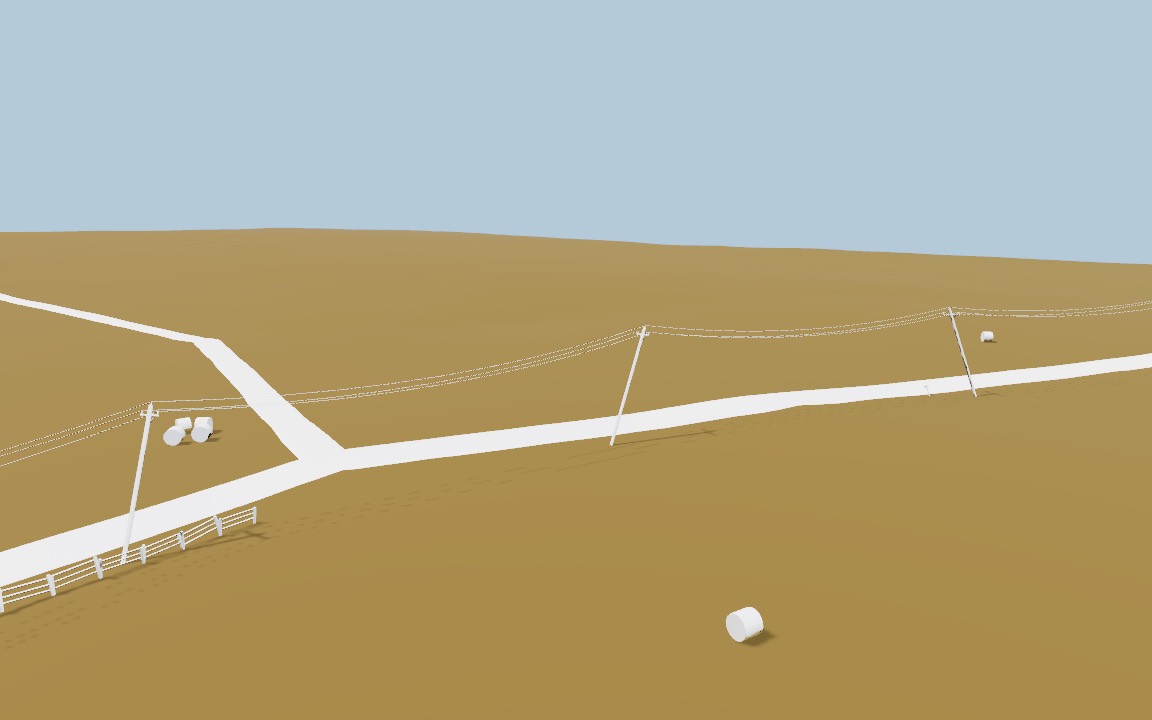
Rural roads get a power line down one side, mailboxes at lot frontages, fence runs and hay bales in the fields. Styles follow the biome: adobe walls and wells in dry country, stone in the mountains, rails in the taiga.
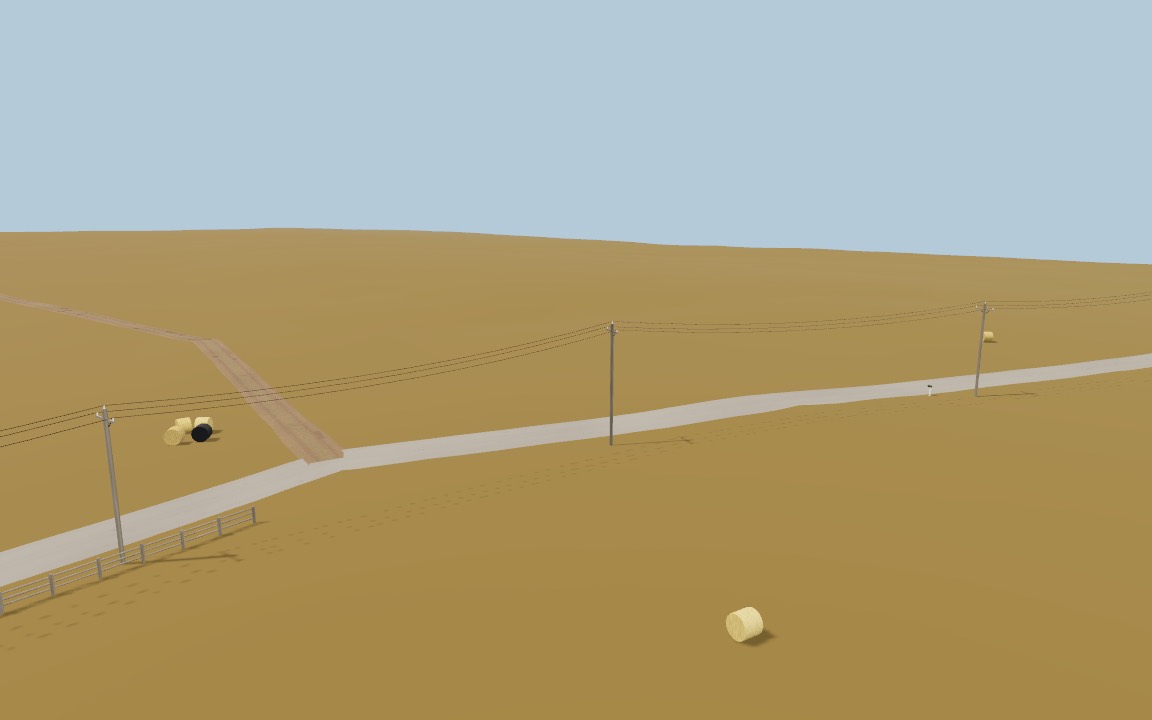
Power lines that sag
Real catenary cables.
Poles and pylons that share a line id are strung together with cables that hang in a true catenary. planPowerLine() spaces pylons along a route between two places and slides them out of water.
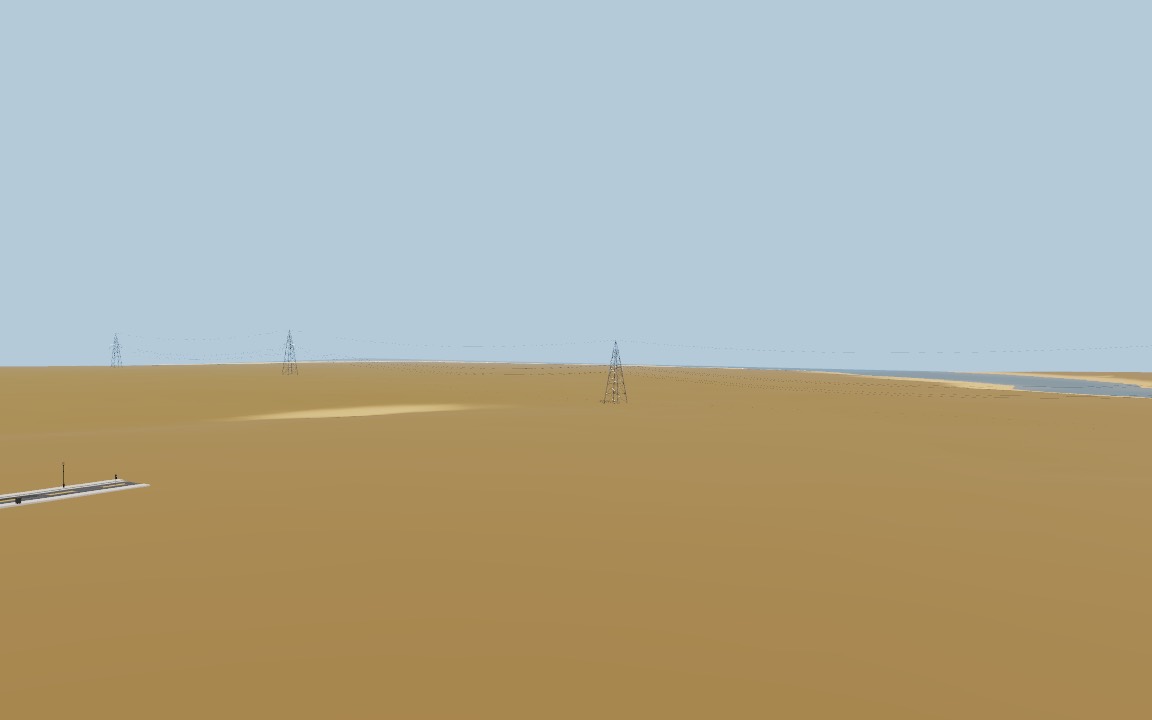
Road surfaces
Asphalt, cobblestone, gravel and dirt.
A TSL road material with lane markings, worn tyre tracks, cracks and patches, cobblestones, gravel, and rutted dirt with potholes and a grassy crown. RoadPath drapes it on the terrain as a ribbon with curbs and sidewalks or sloped verges; threejs-city's roads can adopt it too.
asphaltgravel and dirtLamps and signals
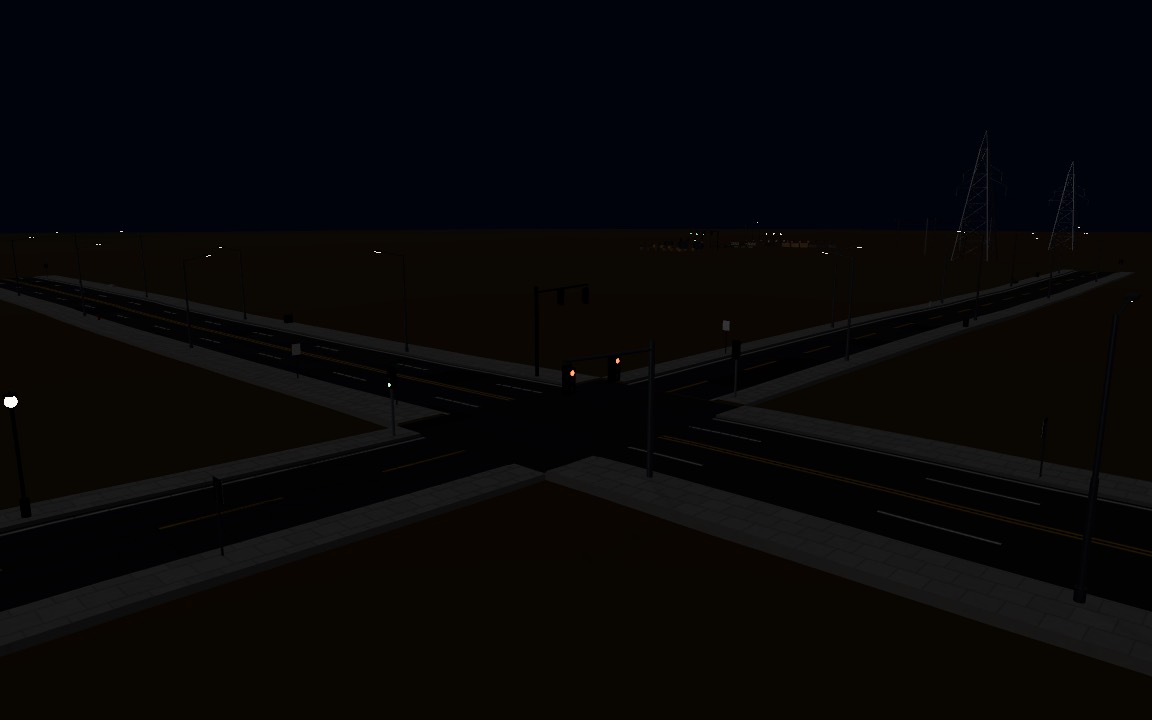
Street lights at night, traffic lights on a cycle.
Street lamps glow as night falls, driven by a number or a TSL node such as the sky's night value. Traffic lights cycle red, amber and green with a per-light phase, every trafficCycle seconds.
Weather and damage
Wet, snowy, burnt, leaning.
Each prop has its own threejs-weathering state, so storms and fires work on props directly. Wet props darken and shine, snow settles on top and weighs the cables down, burnt props char, and damaged poles, lights and signs lean over.
Instanced from unit shapes
One mesh per shape and material.
Props are assembled from eight unit shapes and eleven shared materials. Every part of every prop is drawn through one InstancedMesh per shape and material, tinted per instance from typed arrays: the demo draws 230 props as 2,460 instances in 26 instanced meshes.
 three.js demo
Props across a generated world
Placed by threejs-worldgen.
Each prop already carries a placement rule (mailboxes near lots, pylons on links between settlements, street lights on urban sidewalks). Next: threejs-worldgen decorates every generated city and road with them and offers them in the asset gallery.
Furnish your streets.
threejs-props is in development: try every prop in the live demo, read the API reference, or follow along on GitHub until the first release.