threejs-scatter: Put a million things on the map.
Give it a mesh per level of detail and a few placement rules; it streams instances over your terrain in camera-centred tiles. Placement is a pure function of seed and position, and draw calls stay flat however far the world goes.
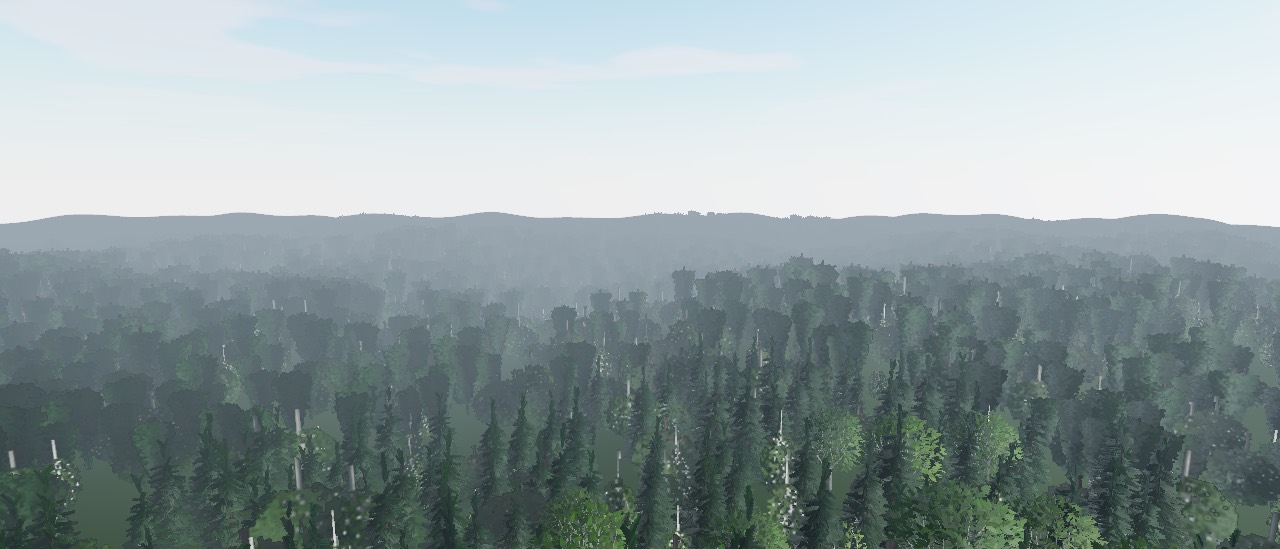
Layers in, world out.
A layer is one kind of object: where it may grow and what to draw at each distance. Hand Scatter.create() a camera, a terrain and a list of layers; with scene given it updates itself every frame.
import { Scatter, bakeImpostor } from 'threejs-scatter'

const far = await bakeImpostor(renderer, rock, { frames: 8, size: 512 })

const scatter = Scatter.create({
  camera, scene,
  terrain: (x, z) => height(x, z), // or a terrain mesh
  seed: 7,
  layers: [{
    name: 'boulder',
    spacing: 12,                     // metres between instances
    density: (x, z) => rockiness(x, z),
    maxSlope: 1.5, align: 1, scale: [0.6, 2],
    cluster: { scale: 80, threshold: 0.5, strength: 0.8 },
    lods: [{ distance: 120, geometry: rock.geometry, material: rock.material }],
    impostor: { distance: 600, geometry: far.geometry, material: far.material },
  }],
})import { Scatter } from 'threejs-scatter/react'
function Rocks({ geometry, material }) {
const ground = useRef()
const scatter = useRef() // ScatterImpl: query(), stats
return (
<>
<mesh ref={ground} geometry={hills} />
<Scatter ref={scatter} terrain={ground} seed={7}
maxDistance={400}
layers={[{ name: 'rock', spacing: 8, maxSlope: 1,
lods: [{ distance: 150, geometry, material }] }]} />
</>
)
}The engine under the forest.
Placement, streaming, instancing, levels of detail and impostors, for whatever you scatter. The trees in these shots come from threejs-trees; every feature is live in the demo.
Seamless blue noise
Even spacing, no seams, any build order.
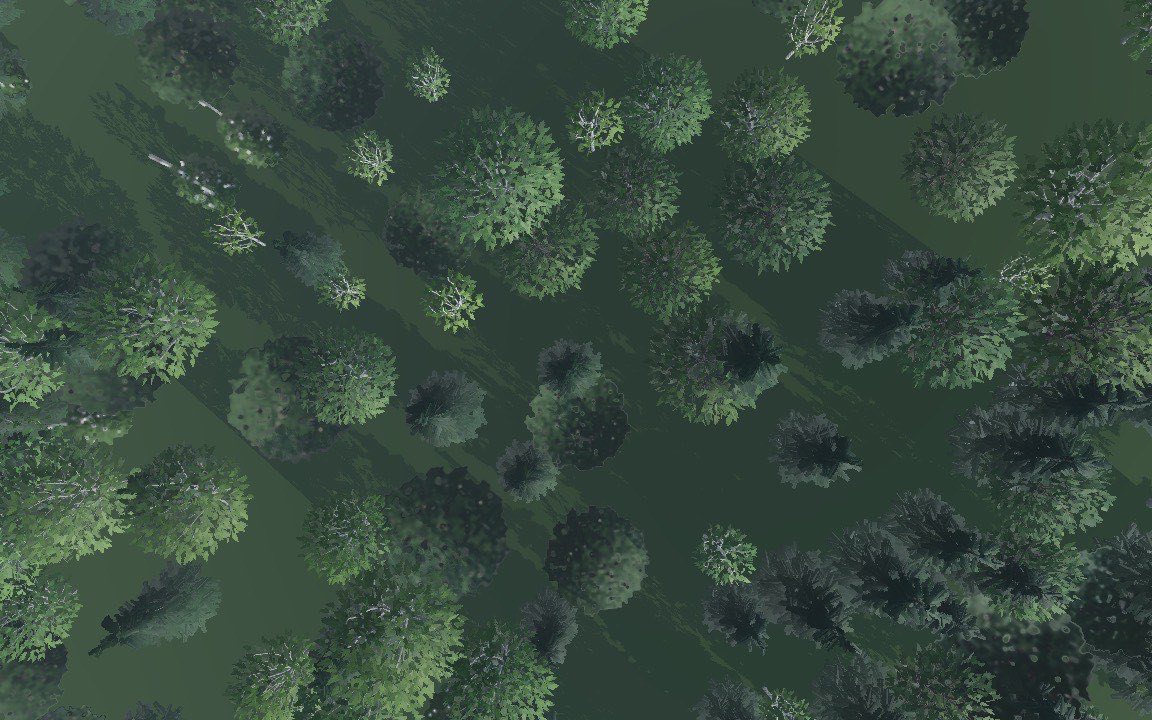
One jittered candidate per grid cell, then a few elimination rounds keep the points that beat their neighbours within spacing. Each tile evaluates a margin around itself, so neighbouring tiles agree exactly, whichever was built first.
Placement rules
It grows where it should.
Per layer: a density number or (x, z) field such as a biome weight, slope and height ranges, and cluster noise for patches and clearings. Layers in one group share a point set and never overlap.
Streams around the camera
Tiles in, tiles out.
The world is cut into tileSize tiles generated nearest-first within a per-frame buildBudget, out to maxDistance. Leave and come back and every instance is where it was.
Pooled instancing
Draw calls stay flat.
Each layer and level of detail is one pooled instanced mesh shared by every tile, so the count of draw calls does not grow with the world. Pools start at 1100 instances and grow with headroom. The HUD shows tiles, instances, drawn and meshes live.
Octahedral impostors
Thousands of trees for the price of quads.
bakeImpostor() renders any object from frames × frames directions into colour and normal atlases. The impostor picks the nearest view in TSL and is lit live by the scene, so the far forest keeps its shape and its shading.
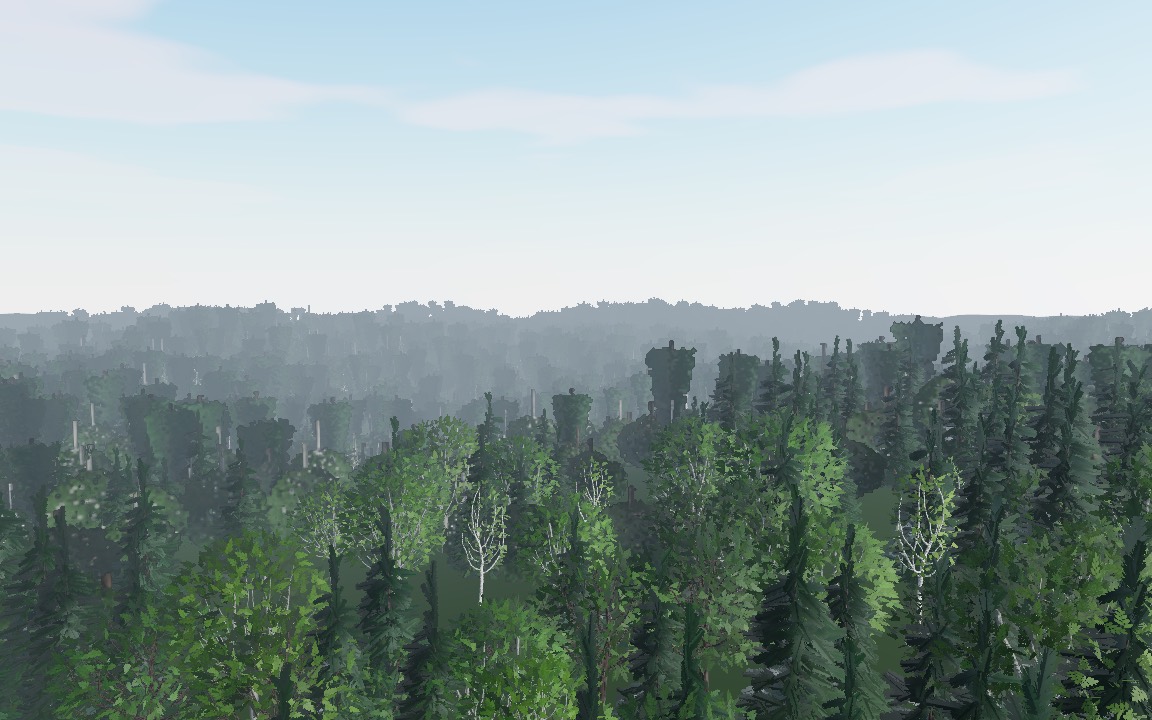 impostors
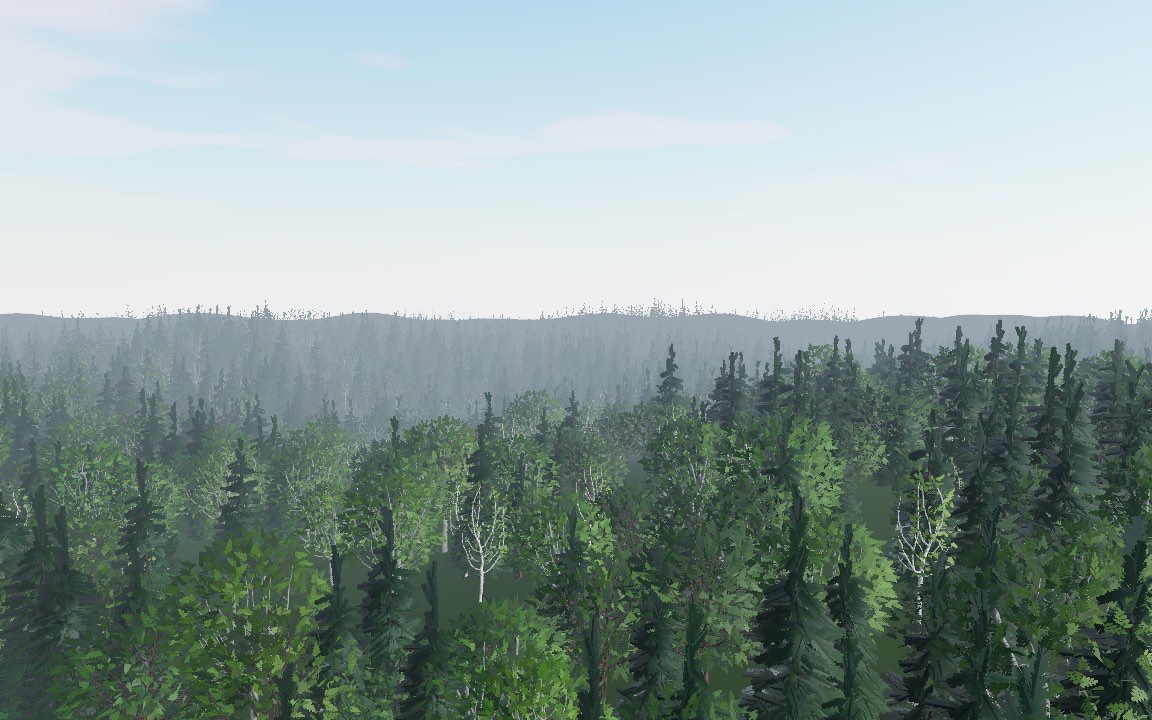 meshes only
Levels of detail
No popping back and forth.
Mesh levels nearest first, then the impostor. An instance has to cross a lodHysteresis band to switch level, and levels are only re-sorted after the camera moves refreshDistance. Far levels can skip shadows with castShadow: false.
Per-instance variation
No two the same.
Random yaw, scale range, tilt, sink and terrain align, plus a colorVariation brightness tint. scatterParamsNode() hands every material the per-instance yaw, tint and a random number in TSL for colour shifts and the like.
Ask where things are
Gameplay and collision.
scatter.query(x, z, radius) returns the instances near a point: layer, position, scale, yaw. It recomputes placement, so it works for tiles that are not even loaded. The placement functions are pure and exported for workers.
Made for React too
A declarative <Scatter>.
Props are the options, the camera defaults to the R3F camera and terrain takes a mesh, a ref or a height function. Prop changes rebuild only what changed. ref gives you the instance for query and stats.
Fill the world.
Fly over the forest in the live demo, or go straight to the API reference.